Master Digital Design Tools From Beginner to Pro Guide
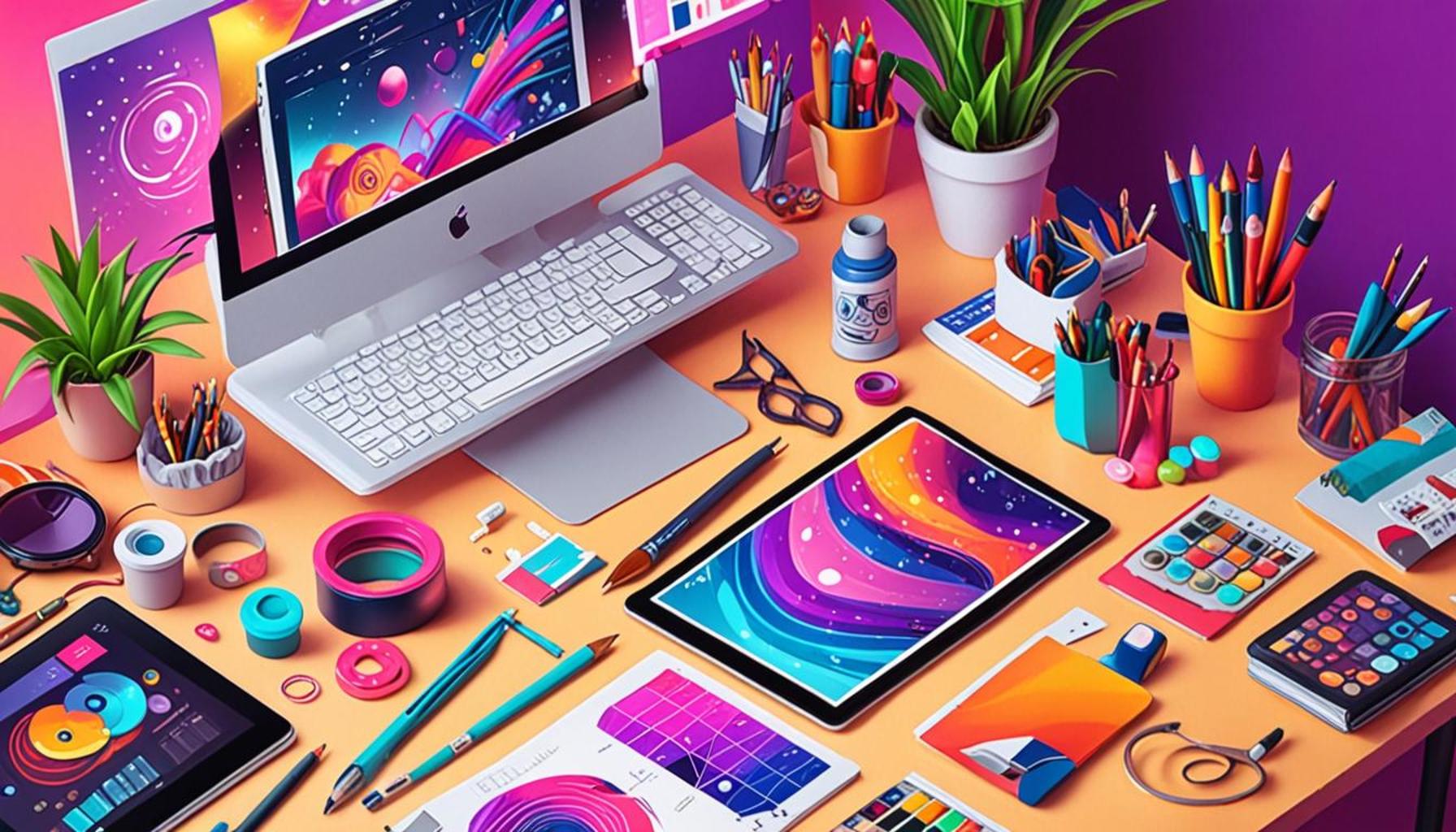
In today’s visually driven world, the importance of digital design cannot be overstated. Whether you’re a hobbyist looking to enhance your skills or a professional aiming to stay competitive, mastering design tools is essential. With countless options available, knowing where to start and what to prioritize can feel overwhelming.
Digital design encompasses various creative fields, including graphic design, web design, and animation, attracting a diverse set of enthusiasts. Understanding which tools cater to your needs can elevate your projects and bring your ideas to life. This guide aims to explore the top 5 digital design tools, highlighting their features and benefits for users at all levels.
- User-friendly interfaces that appeal to beginners
- Advanced features that professionals will appreciate
- Insights into how each tool enhances creativity
- Comparisons to help you choose the best fit
- Links to additional resources for further exploration
Get ready to dive into the world of digital design as we uncover the tools that can transform your creative journey from a novice to a seasoned pro.
Exploring Digital Design Tools: From Beginner to Professional
The vast landscape of digital design is in a constant state of flux, making it a thrilling frontier for both budding enthusiasts and seasoned professionals. The diversity and dynamism offer a playground where creativity finds a canvas, ranging from essential tools for novices to sophisticated software for seasoned experts. Navigating this rich array of options can be both exhilarating and overwhelming. In this article, we delve into the top five digital design tools that serve a spectrum of users—from absolute beginners to the most experienced designers. Join us in uncovering the nuances of these creative powerhouses!
5. Microsoft Paint 3D
Often dubbed as a stepping stone in the realm of digital design, Microsoft Paint 3D is an excellent launch pad for those who are dipping their toes into the creative waters. It offers a gentle introduction to digital art with its straightforward and intuitive interface, making it a go-to choice for users with little to no design background.
Despite its simplicity, Paint 3D boasts several interesting features:
- Basic drawing tools: Users can engage in fundamental drawing practices, enhancing their confidence and understanding of digital sketching.
- 3D model creation: The tool supports the creation of simple 3D objects, opening up new dimensions for creativity.
- Text integration: Artists can add text elements to their designs, experimenting with typography basics.
- Pre-built objects: A library of shapes and objects allows for easy experimentation without starting from scratch.
While Paint 3D lacks the advanced features of professional software, its ease-of-use is perfect for beginners starting their journey in digital design.
4. Canva
Canva has become a household name for those seeking to produce eye-catching visuals without a hefty learning curve. Known for its simplicity and efficiency, Canva enables users to create polished graphics, making it particularly appealing to non-designers and small businesses.
Key features that make Canva a favorite include:
- Drag-and-drop functionality: This allows for easy customization, even for the uninitiated, who can effortlessly create montages and designs.
- Editable templates: Canva’s expansive library includes templates for social media posts, business cards, and presentations, serving diverse needs at the click of a button.
- Stock library access: The integration of a substantial library filled with free and premium images, illustrations, and icons expands creative possibilities exponentially.
- Collaboration capabilities: Team features encourage collaborative efforts, fostering a shared creative process in real-time.
Canva’s robust yet accessible design capabilities make it a valuable tool for anyone looking to start their creative adventure seamlessly.
3. Adobe Illustrator
Recognized as a cornerstone of professional graphic design, Adobe Illustrator stands as a titan for creating sophisticated vector graphics. It is renowned for its precision and versatility, making it an indispensable tool for both aspiring and established designers aiming for professional excellence.
Notable features of Adobe Illustrator include:
- Advanced vector drawing: Precise and scalable, vector graphics designed in Illustrator can be resized without losing clarity—an essential feature for logo and branding projects.
- Precision tools: His tool provides exact control over shapes, lines, and typography, essential for creating intricate artwork and detailed designs.
- Ecosystem integration: Illustrator connects seamlessly with other Adobe products, such as Photoshop, offering a wholesome design experience through synchronized workflows.
- Community resources: The extensive Adobe community provides abundant tutorials and design tips, facilitating the learning curve for newcomers and boosting innovation among experts.
Though it has a steep learning curve, mastering Illustrator unlocks a realm of creative possibilities, empowering designers to create cutting-edge graphics and illustrations.
2. Procreate
A favorite among digital painters and illustrators, Procreate offers a canvas that mimics traditional painting, while boasting the convenience of modern technology. Tailored for the iPad, Procreate is cherished for its intuitive functionality and extensive brush library.
Key features of Procreate include:
- Customizable brushes: Artists can use or customize a variety of brushes to emulate traditional mediums such as watercolor, pencil, and oil paint, offering a rich creative palette.
- Multi-touch gestures: Designed with a natural interaction in mind, gestures like pinching, rotating, and panning make navigation fluid and instinctive.
- Animation capabilities: Procreate allows users to create motion within their artwork, facilitating the creation of dynamic and captivating pieces.
- High-resolution canvases: Suited for professional output, Procreate supports large, high-resolution canvases perfect for print as well as digital publication.
Professionals and hobbyists alike find Procreate a worthy investment, as it cultivates creativity and artistic expression without traditional media constraints.
1. Adobe Photoshop
Dominating the digital art scene, Adobe Photoshop epitomizes precision and versatility in image editing and graphic design. Its comprehensive toolset initiated a revolution in photo manipulation, making Photoshop an essential tool across multiple industries.
Noteworthy features include:
- Comprehensive image editing: From basic editing to complex composites, Photoshop provides tools to transform images while maintaining high quality.
- Layer management: Layers allow for complex compositions and editing without affecting underlying image elements, crucial for intricate designs.
- Format compatibility: Supporting a myriad of file types, Photoshop ensures seamless interaction with other software and platforms.
- Rich plugin ecosystem: A wide array of plugins expand Photoshop’s functionality, catering to unique needs and innovative avenues.
The challenge of mastering Photoshop is substantial, yet the rewards it provides—innovative, stunning designs and a vast potential for creativity—are well worth the effort. It’s no wonder it’s considered the gold standard in digital design.
In conclusion, this selection of digital design tools each offers varied functionalities and complexities. From the simplicity of Microsoft Paint 3D to the powerhouse that is Adobe Photoshop, there’s a tool tailored for every stage of the creative journey. By exploring these platforms, designers at any skill level can hone their craft, opening doors to infinite artistic possibilities. Whether you are starting out or looking to advance your skills, these tools will surely fuel your passion and creativity, propelling you to new heights in digital art.
| Category | Advantages |
|---|---|
| User-Friendly Interfaces | Many digital design tools feature intuitive interfaces that simplify the learning process for beginners, enabling them to focus on creativity rather than technicalities. |
| Diverse Templates and Resources | These platforms often provide a wide array of pre-designed templates, stock images, and icons that can help speed up the design process, making it easier for users to produce professional-quality work. |
| Collaboration Features | The ability to collaborate in real-time allows designers to work with teams across various locations, fostering innovation and efficient project management. |
| Rich Learning Resources | Many tools offer tutorials and community forums where users can learn techniques, share their work, and receive feedback, which is invaluable for growth and skill enhancement. |
Frequently Asked Questions about Digital Design Tools
What are some essential digital design tools for beginners?
For beginners diving into the world of digital design, it’s crucial to start with user-friendly tools that offer robust functionalities. Popular options include Canva, which provides pre-made templates and a drag-and-drop interface, making it perfect for novices. Additionally, Adobe Spark offers simple tools for creating graphics, web pages, and video stories. As you become more comfortable, you might explore more advanced tools such as GIMP or Inkscape, which are open-source and feature-rich alternatives.
How does a design tool become ‘professional-grade’?
A tool is often considered “professional-grade” when it offers a comprehensive suite of features, high scalability, and compatibility with industry standards. Examples include Adobe Photoshop for its powerful photo editing capabilities and extensive integration options, and AutoCAD for precise technical drawings in architecture and engineering. Professional tools typically offer advanced control over typography, color management, and layouts, catering to the detailed demands of industry professionals.
Can free digital design tools compete with paid versions?
Free digital design tools can be highly effective and are constantly improving. Programs like Krita for digital painting and Blender for 3D modeling provide features that rival many paid counterparts. However, they may lack customer support, seamless updates, or some advanced capabilities that paid tools have. The key is identifying your project needs—many users find that combining free tools with limited use of premium services strikes the best balance.
Is there a steep learning curve in transitioning to a professional design tool?
The transition from basic to professional design tools can indeed involve a steep learning curve, as these tools offer a vast array of functionalities and finer controls. Resources like online tutorials, community forums, and courses can ease this transition significantly. For instance, moving from a tool like Canva to Adobe Illustrator might initially seem daunting due to the myriad of options and tools available, but with adequate practice and learning, the advantages become evident.
Conclusion
In exploring the vast landscape of digital design tools, the journey from a beginner to a professional is not merely about mastering software; it is about unlocking creativity and innovation in creative hobbies. The breadth of tools now available—each with its unique strengths—empowers both novices and experienced designers to express their creative visions.
Throughout the discussion, we highlighted the top 5 tools that are pivotal in this digital design journey. These range from intuitive platforms that cater to beginners, allowing them to learn foundational skills, to advanced applications that offer a comprehensive suite of features for professionals seeking to push the boundaries of design. Importantly, these tools bridge the gap between initial concept and final creation, providing a seamless experience that fosters both learning and application.
The significance of mastering digital design tools lies not only in developing technical proficiency but also in enhancing one’s ability to articulate ideas visually. As creative hobbies become increasingly interwoven with digital advancements, individuals are finding new, exciting ways to engage with their passions. Whether it’s through digital illustration, graphic design, or 3D modeling, the possibilities are endless.
In conclusion, the exploration of these digital tools serves as a catalyst for creativity, encouraging individuals to deepen their skills and discover new approaches to their artistic endeavors. This area continues to evolve, offering fresh capabilities that inspire users to innovate and experiment further. As such, investing time in understanding and utilizing these tools not only augments personal growth but also contributes to a broader appreciation of digital art and design. For those intrigued by the intersection of technology and creativity, the doors are open wide, inviting you to craft the future of design. Thus, whether you are just starting or are seasoned in your craft, there is always more to learn and explore in the world of digital design.
Linda Carter is a writer and creative hobbies expert specializing in crafting, DIY projects, and artistic exploration. With extensive experience helping individuals discover their creative potential and bring their ideas to life, Linda shares her knowledge on our platform. Her goal is to empower readers with practical tips, inspiring ideas, and step-by-step strategies for success in the world of creative hobbies.